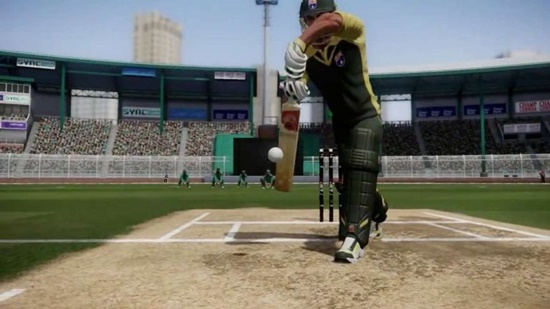
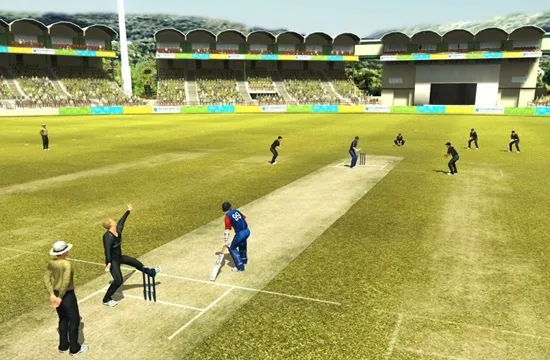
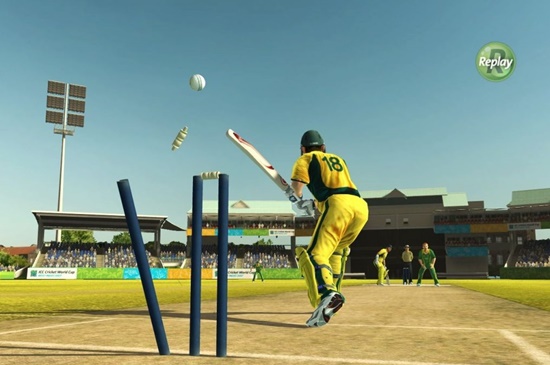
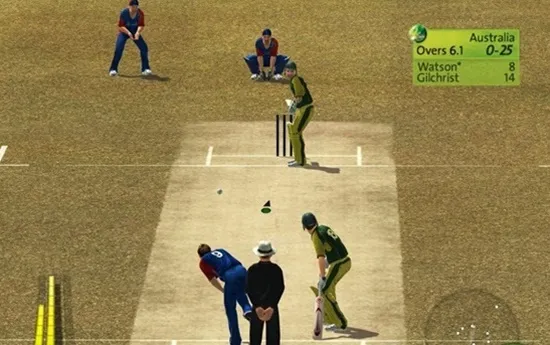
Cricket World Cup 20-20

World-Cup-Cricket-20-20-Game-download

Cricket World Cup 20-20 Game – Overview – Free Download – PC – RIP – Screenshots – Compressed – Latest Version for Windows – Specs
It is a full offline installer setup for all Versions of Windows. The game was manually checked and installed before uploading by our team. It is a fully functional version with no issues. Also, check out the Cricket Captain 2019 Game Free Download.
Type of Game: Sports
PC Release Date: Feb,6,2010
Developer: Indiagames Ltd
File Size: 50 MB

System Requirements Of Cricket World Cup 20-20 Game Setup For Windows:

  • OS: Windows 2000/XP/Vista/7
  • Processor: 1.4 GHz
  • RAM: 256 MB
  • Video Memory: 32 MB
  • Hard Drive: 100 MB
  • DirectX: 9.0
  • Keyboard and Mouse


Trailer:

How to Download and Install?

  1. First, you can download the game using the link below the post.
  2. Extract the RAR file using WinRAR.
  3. Open “Game”>> “WCC- 20-20” folder.
  4. Double-click on the “Game” icon to play the game.
  5. Then, direct play without installation.

Download Here

Don Bradman Cricket 14

Don Bradman Cricket 14 – Overview – Free Download – PC – Compressed – Specs – Screenshots – RIP

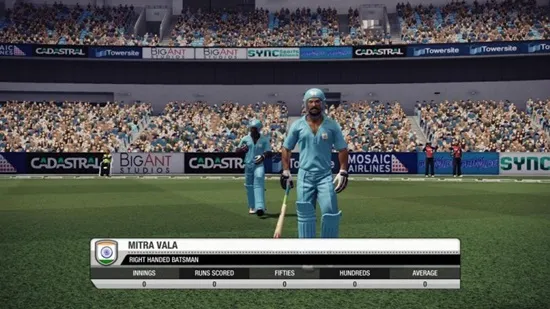
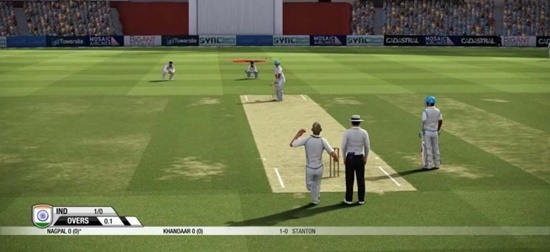
don-bradman-cricket-14-gameScreenshotdon-bradman-cricket-14-game-picture-2

don-bradman-cricket-14-game-picture-3

don-bradman-cricket-14-game-pictureDon Bradman Cricket 14 PC Game
File Size: 1.49 GB

System Requirements:

  • CPU: Intel Dual Core E5700 Processor 3.0 GHz
  • OS: Windows XP,7, Vista,8,10
  • RAM: 2 GB
  • Graphic Card: 512 MB
  • Hard Space: 2.5 GB
  • DirectX: 9.0c
  • Sound Card: Yes

How to Install?

  1. Download.
  2. Extract with WinRAR.
  3. Open the “DBC 14” folder, double-click on “Setup“, and then install it.
  4. After installation is complete, go to the folder where you installed the game.
  5. Open the folder and double-click on the “cricket14” icon to play the game. Done!

Download Here

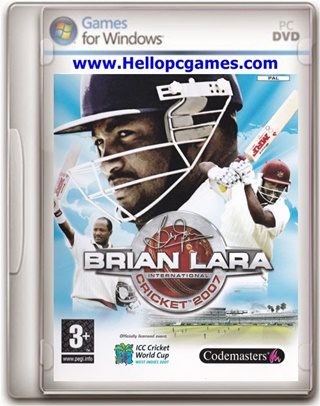
Brian Lara International Cricket 2007

Brian Lara International Cricket 2007 – Overview – Free Download – PC – Compressed – Specs – Screenshots – RIP

brian-lara-cricket-2007-gameScreenshotbrian-lara-cricket-2007-game-picture-2

brian-lara-cricket-2007-game-picture-3

brian-lara-cricket-2007-game-pictureBrian Lara Cricket 2007 PC Game
File Size: 2.94 GB

System Requirements:

  • CPU: 1.4GHz Processor
  • Ram: 256MB
  • Free Hard Space: 5GB
  • OS: Windows XP,7, Vista
  • Video Card Memory: nVidia GeForce 3
  • Sound: Yes
  • DirectX: 9.0c

How to Install?

  1. Download.
  2. Extract with WinRAR.
  3. Open “Brian Lara IC2007“>> “Game” folder, double click on “Setup” and install it.
  4. After installation is complete, go to the folder where you extracted the game.
  5. Open the “Crack” folder, copy all the files, and paste them into the folder where you installed the game.
  6. Then, double-click on the “ICC2007” icon to play the game. Done!

Download Here